sudo apt-get install pavucontrol
이놈 설치하고 hdmi스피커로 고정하면 됨..
pulse audio 볼륨조절 이라는 프로그램이네..
오늘은 또 무슨 좋은 일이 ^^; ??
sudo apt-get install pavucontrol
이놈 설치하고 hdmi스피커로 고정하면 됨..
pulse audio 볼륨조절 이라는 프로그램이네..
1
sudo apt-get install conky
2 소프트웨어 매니저에서 conky-all 설치..
https://github.com/brndnmtthws/conky 설명에…
If you don’t have jq and curl installed, go to https://github.com/brndnmtthws/conky/releases/latest and fetch the latest AppImage. Then:
$ chmod +x ./conky-x86_64.AppImage
$ ./conky-x86_64.AppImage -C > ~/.conkyrc
$ ./conky-x86_64.AppImage
하면 된다는데…
1) wget http://launchpadlibrarian.net/340091846/realpath_8.26-3ubuntu4_all.deb https://github.com/teejee2008/conky-manager/releases/download/v2.4/conky-manager-v2.4-amd64.deb
2) sudo apt install conky
3) sudo dpkg -i realpath_8.26-3ubuntu4_all.deb conky-manager-v2.4-amd64.deb
4) sudo apt install -f
그리고 컨키매니저 실행하면.됨…
한글깨질때…3번 보고 설치한 것임..
홈폴더에서 숨김파일 보기 하고..
.conky아래 Gotham(사용하는것)폴더내의 고담을 데디터로 열어서..
폰트에 GE Inspira 를 GE_Inspira 로 4군데 고처주면…한글이 정상적으로 보임…버그인지..
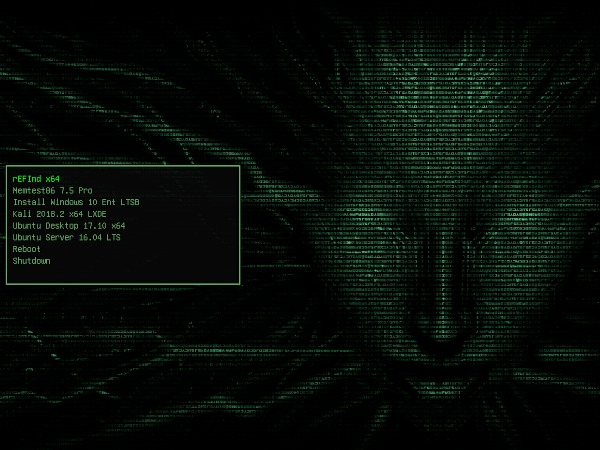
Do you dual boot often? Well make the Bootloader Selection Screen Awesome! Here are my top 5 GRUB Bootloader themes.
All-In-One PackThis Pack is everything below so you can swap between them. It is a custom script I made so I can choose any of my favorite bootloaders below. This may not include original project updates as they happen, so check the source links below if one of the themes doesn’t work for you!
Installation
git clone https://github.com/ChrisTitusTech/Top-5-Bootloader-Themes
cd Top-5-Bootloader-Themes
sudo ./install.sh
CyberRE
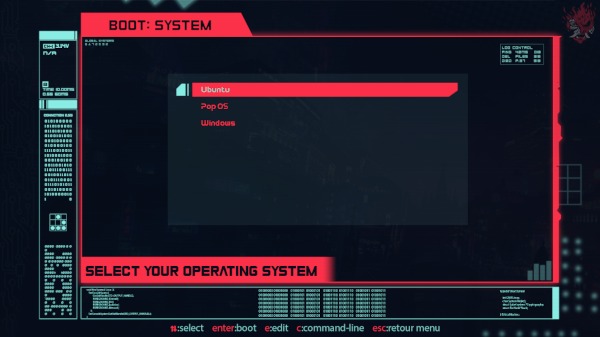
Source: https://www.gnome-look.org/p/1420727/CyberPunk
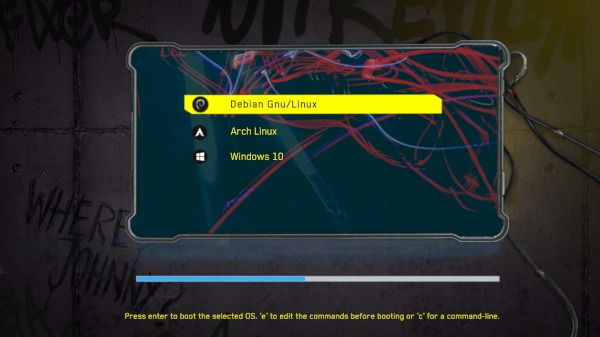
Source: https://www.gnome-look.org/p/1429443/Fallout
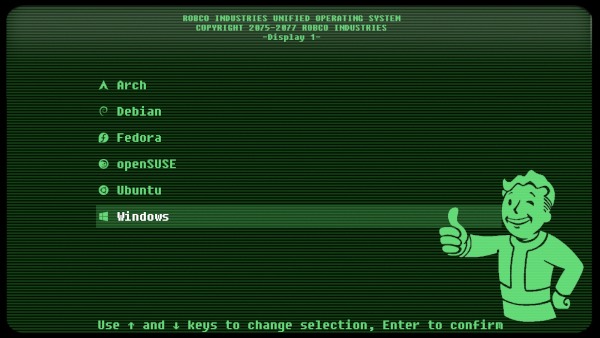
Source: https://www.gnome-look.org/p/1230882/Vimix
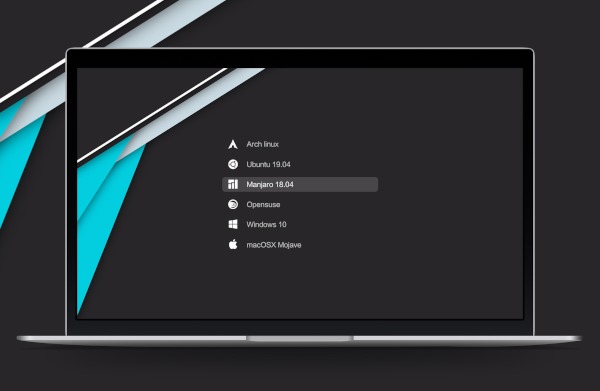
Source: https://www.gnome-look.org/p/1009236/Shodan🔗
기본테마만 설치할때는
apt install –reinstall -o Dpkg::Options::=”–force-confmiss” grub2-theme-mint
추가해보고자 했는데..안되었는데…
테마 인스톨 파일에서….
목적지를 /boot/grub/themes 로 바꿔야 함…
edited /etc/default/grub.d/60_mint-theme.cfg
파일에서.. 수정이 필요한데..
관리자권한으로 열기 하면 해당폴더를 높은권한으로 연다..
그럼 수정도 가능..
from
set -e
GRUB_FONT=”/boot/grub/fonts/UbuntuMono16.pf2″
GRUB_THEME=”/boot/grub/themes/linuxmint/theme.txt”
to
set -e
GRUB_FONT=”/boot/grub/fonts/UbuntuMono16.pf2″
GRUB_THEME=”/boot/grub/themes/Vimix/theme.txt”
마지막으로…
sudo update-grub